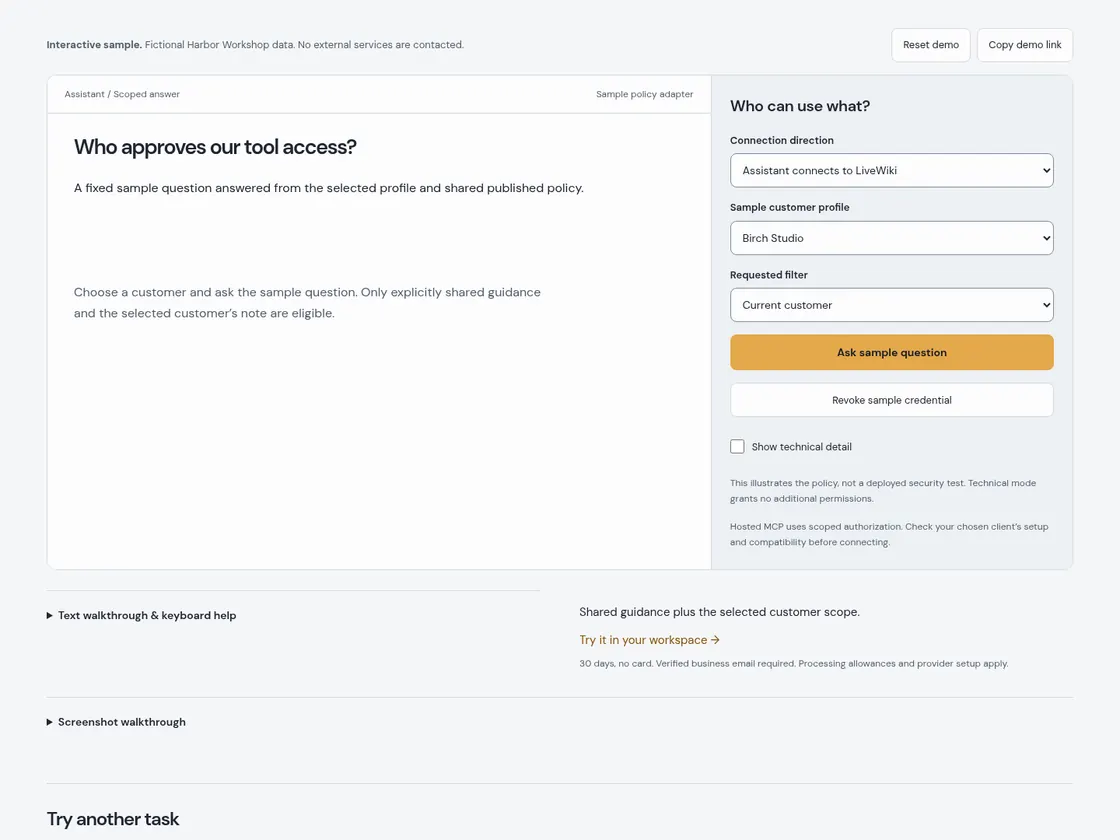
Who approves our tool access?
A fixed sample question answered from the selected profile and shared published policy.
Switch sample customer identities and inspect the knowledge each can use.
Help improve these samples by sending the completed demo name and a random, single-use receipt to LiveWiki. Counts are aggregated by day. Your typed text, account and document data stay out of this request. Completion counts do not identify unique visitors.
A fixed sample question answered from the selected profile and shared published policy.
Choose a customer and ask the sample question. Only explicitly shared guidance and the selected customer’s note are eligible.
Use Tab to move between controls, Enter or Space to activate buttons, and arrow keys in lists. Every drag interaction has a button alternative. Reset clears only this sample.
Shared guidance plus the selected customer scope. Try it in your workspace →30 days, no card. Verified business email required. Processing allowances and provider setup apply.
Actual screenshots of this interactive sample. Use the still frames at your own pace, or play the optional animated WebP.
Static frames respect reduced-motion or data-saving preferences.